Show your product to a client — privately (5 minutes)
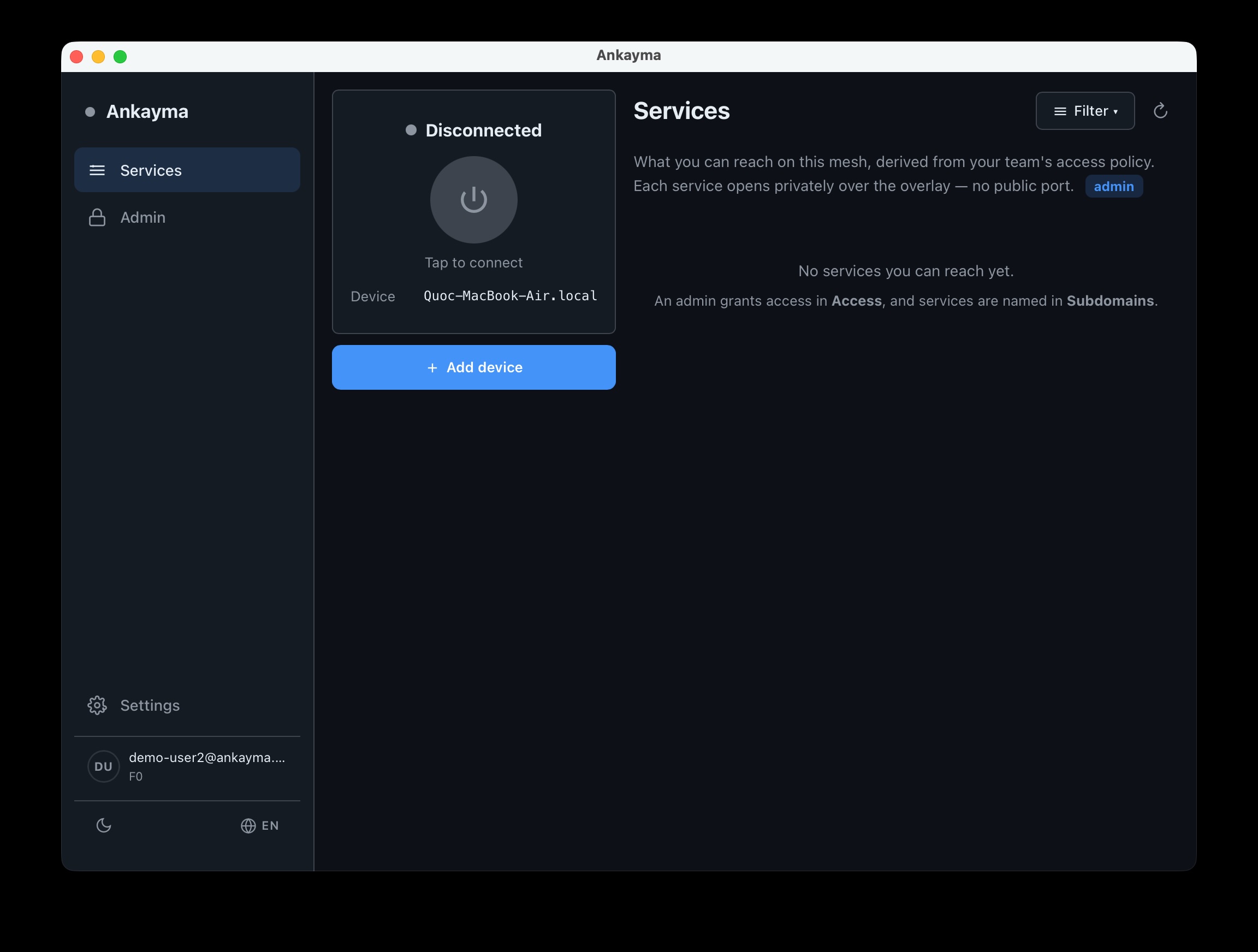
Four steps: get on the mesh, publish a demo, invite someone, show the path proof.
Get on your mesh ~2 min
- Download and open Ankayma. Desktop app — Mac, Windows, or Linux.
- Sign in with GitHub. Or open the link in your email invite · Have an invite? · Enter a token instead · Scan QR.
- Allow VPN access when asked, then click Connect. macOS: turn on Ankayma under Login Items if prompted, then approve once.
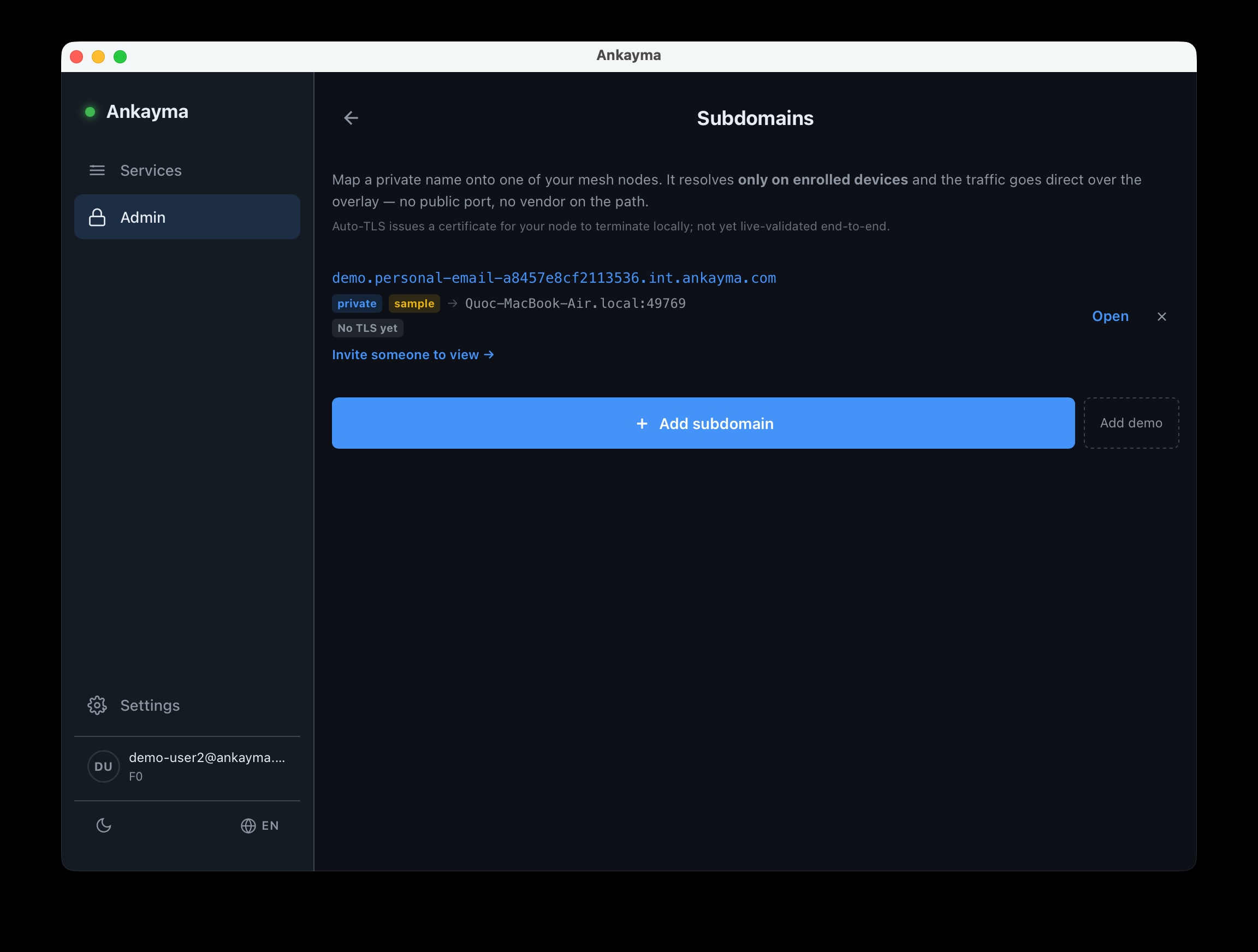
Publish your demo ~1 min
- Open Admin → Subdomains. Must be Connected first.
- Click Add demo. One-click sample page — no local server needed.
- Or + Add subdomain for your own app. Point it at a local port you're already running.
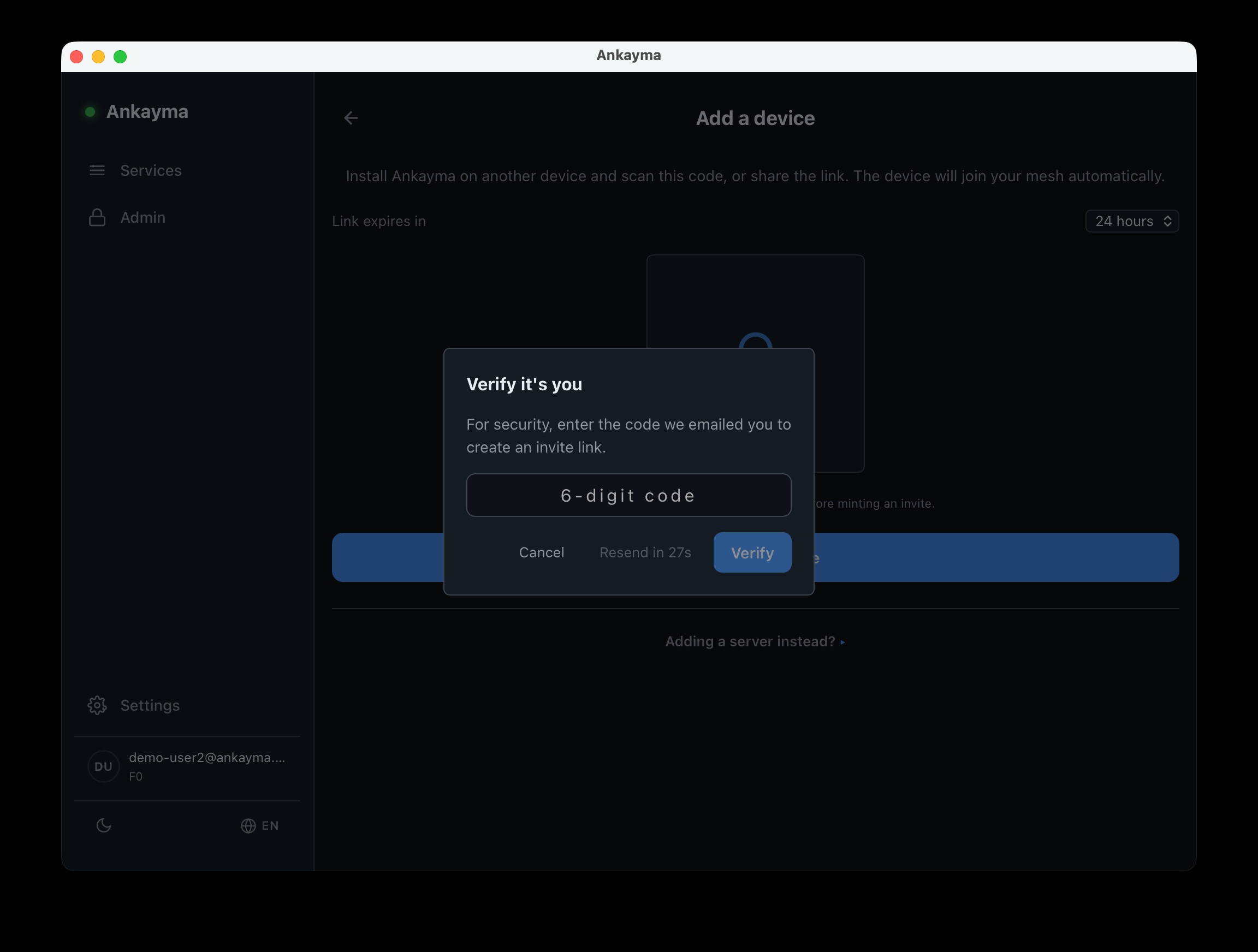
Invite your client ~1 min
- On Services, click Add device. Below the Connected card. Stay Connected first.
- Enter the 6-digit code from your email → Verify. Then copy the link or show the QR and send it.
- They install Ankayma, scan the QR, allow VPN, Connect, then open your demo on Services. Or open the link · Have an invite? · Enter a token instead.
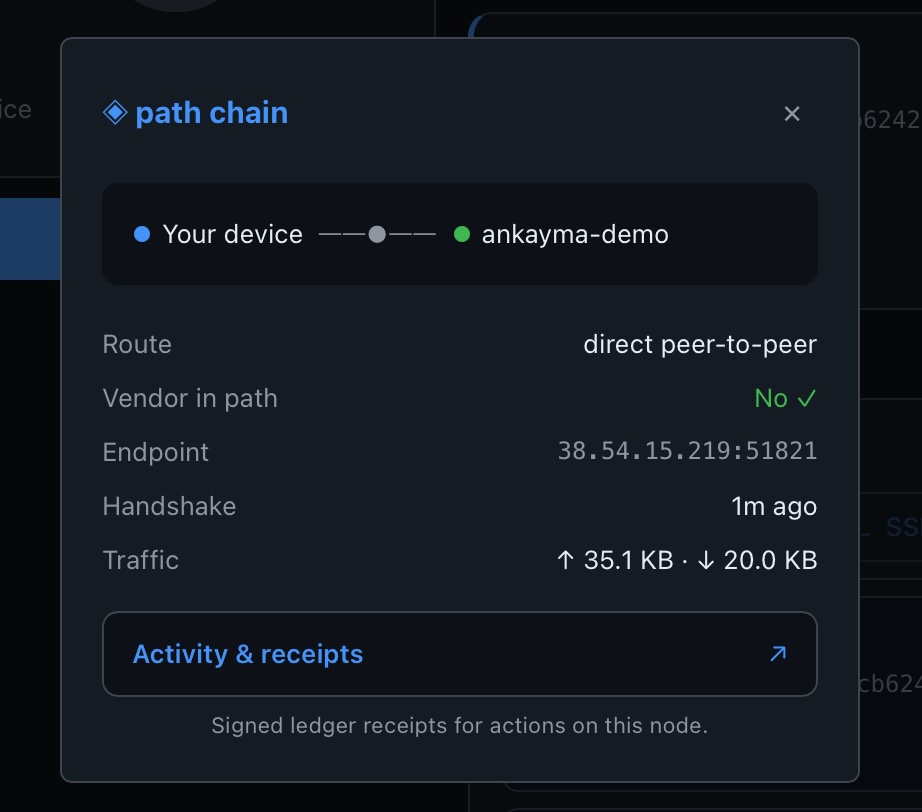
Prove It ~30 s
- On Services, find your demo. Do this on a device that's Connected.
- Tap ◈ path. Next to the demo row.
- Check Vendor in path: No. Shows a direct path — vendor never in the middle.
Done. Your client saw the work on your mesh — privately.
Where to next
- More clients & projects — outgrowing the free limits? → Grow & plans (F0-Plus, F1 Team).
- A field force or agent network — many viewers or agents? → NoPass — invite & team, and talk to us about F1 Sales.
See how it all fits together in the User Guide.